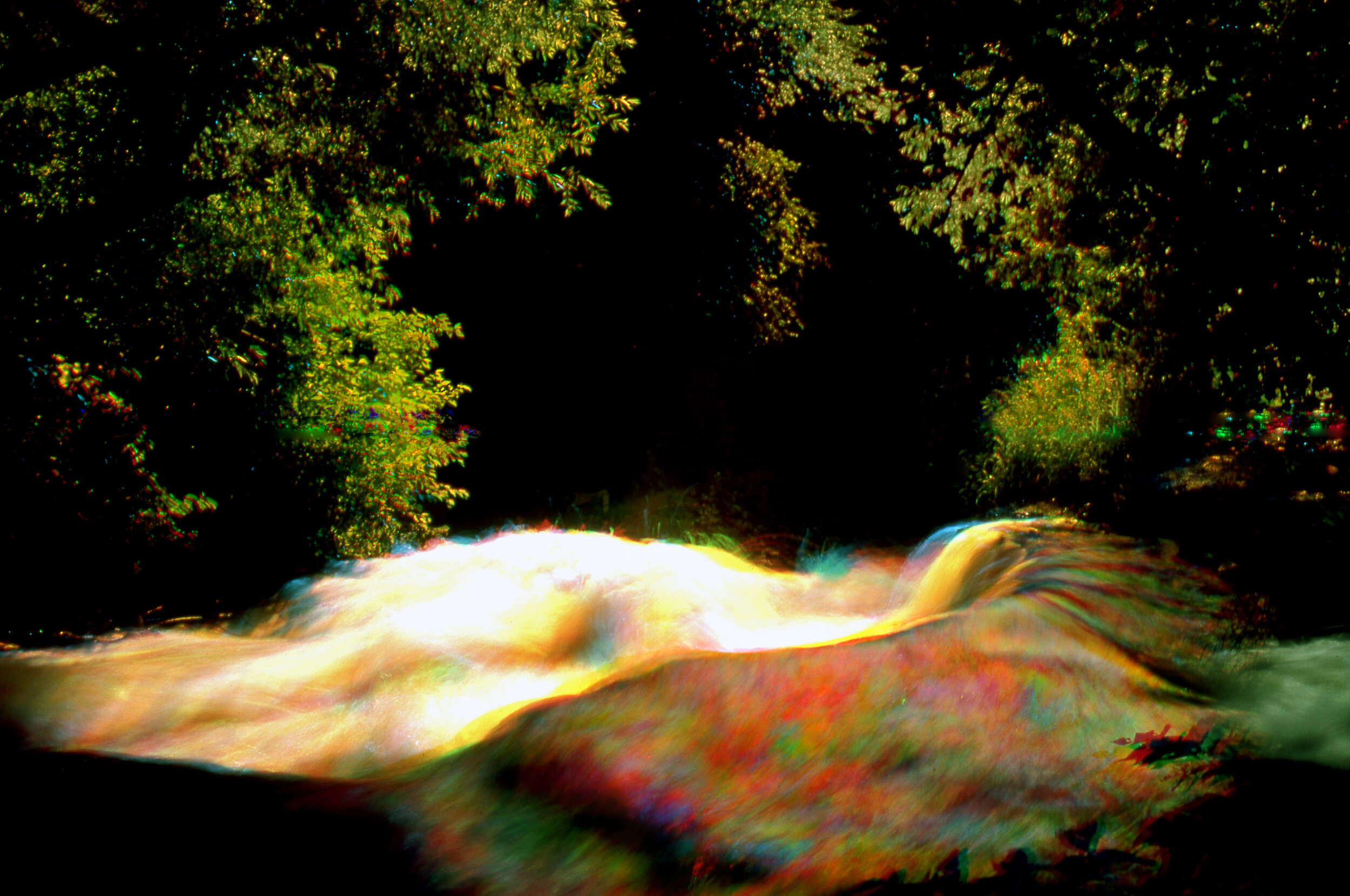
Kodachrome Film image: Multiple Color Filter Exposure
NO PHOTOSHOP
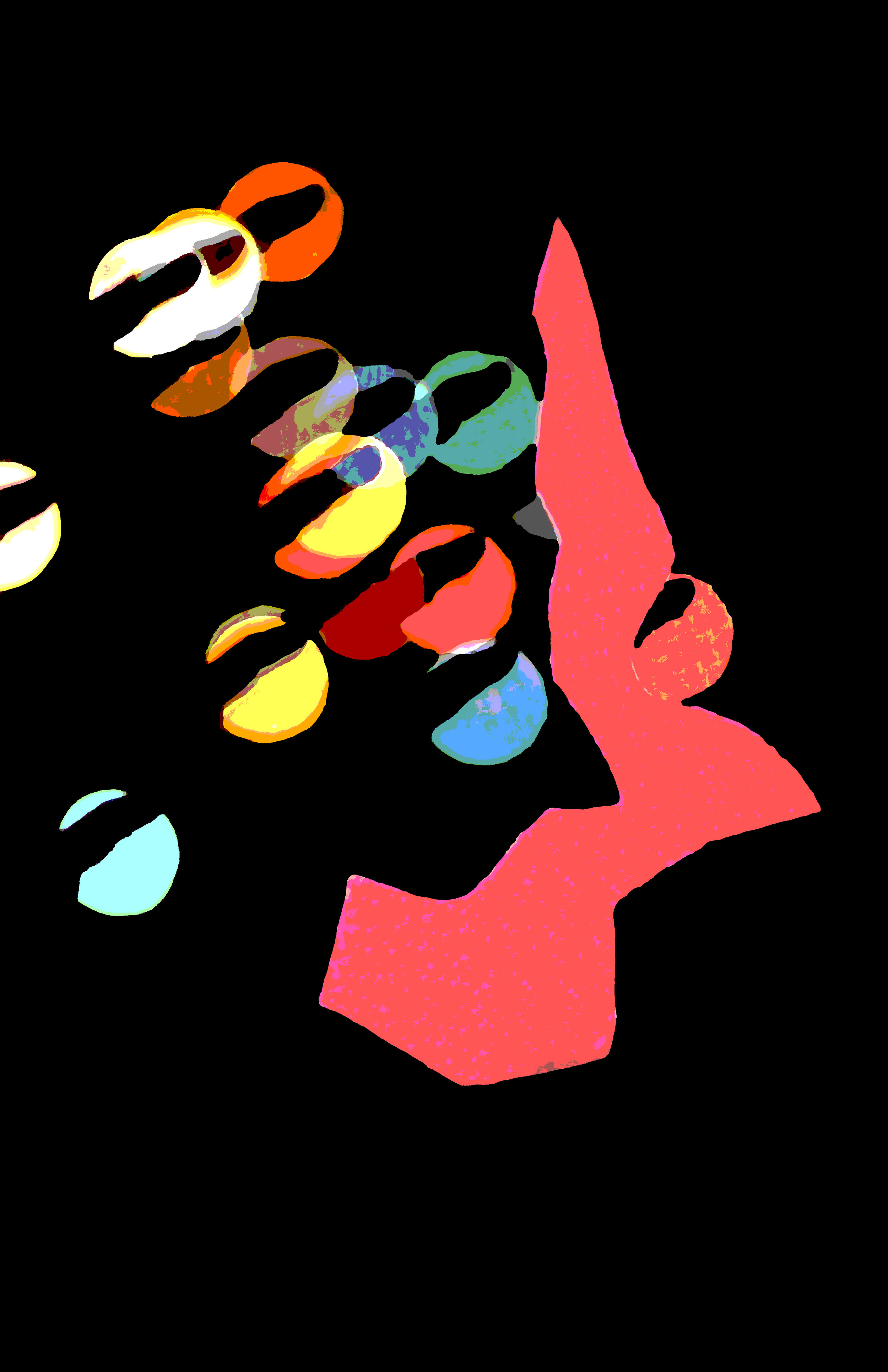
Film Image: Finger held in front of lens
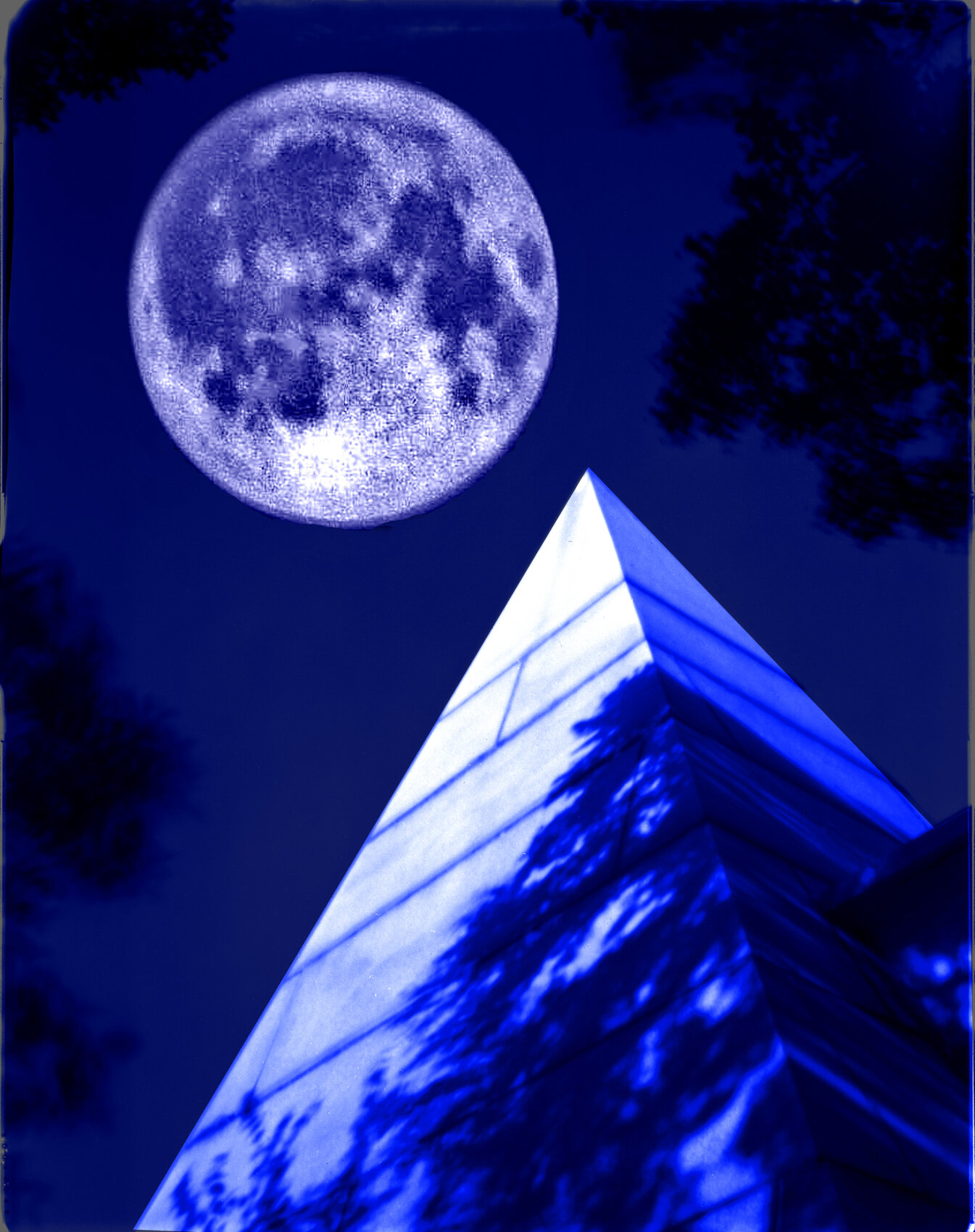
Film Image: 4x5” Pinhole Camera negative combined with 35mm negative of moon with dark blue mono tones in Photoshop. Pyramid image shot in daylight.
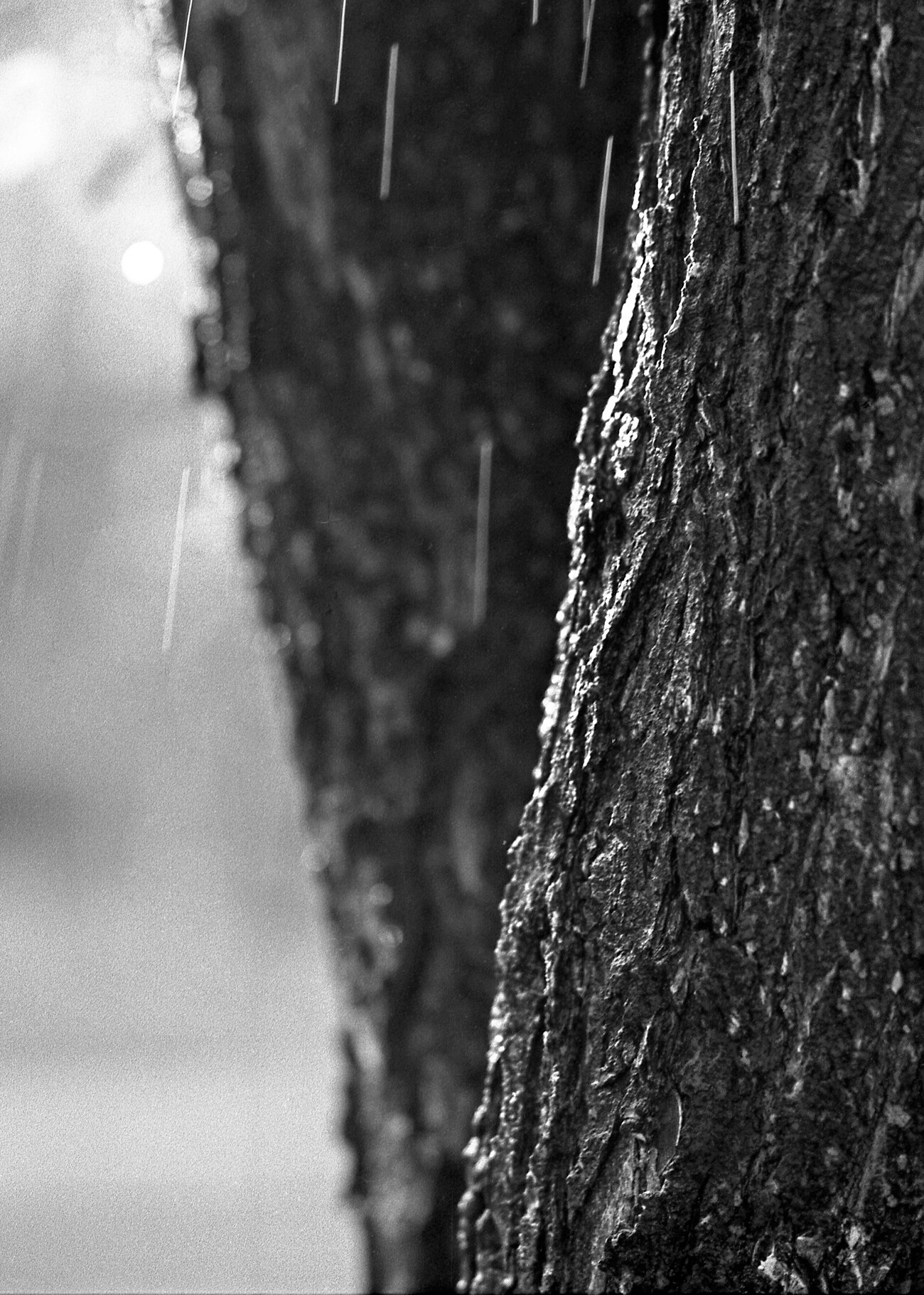
Film Image: 1/8sec shutter speed of rain drops against sun.
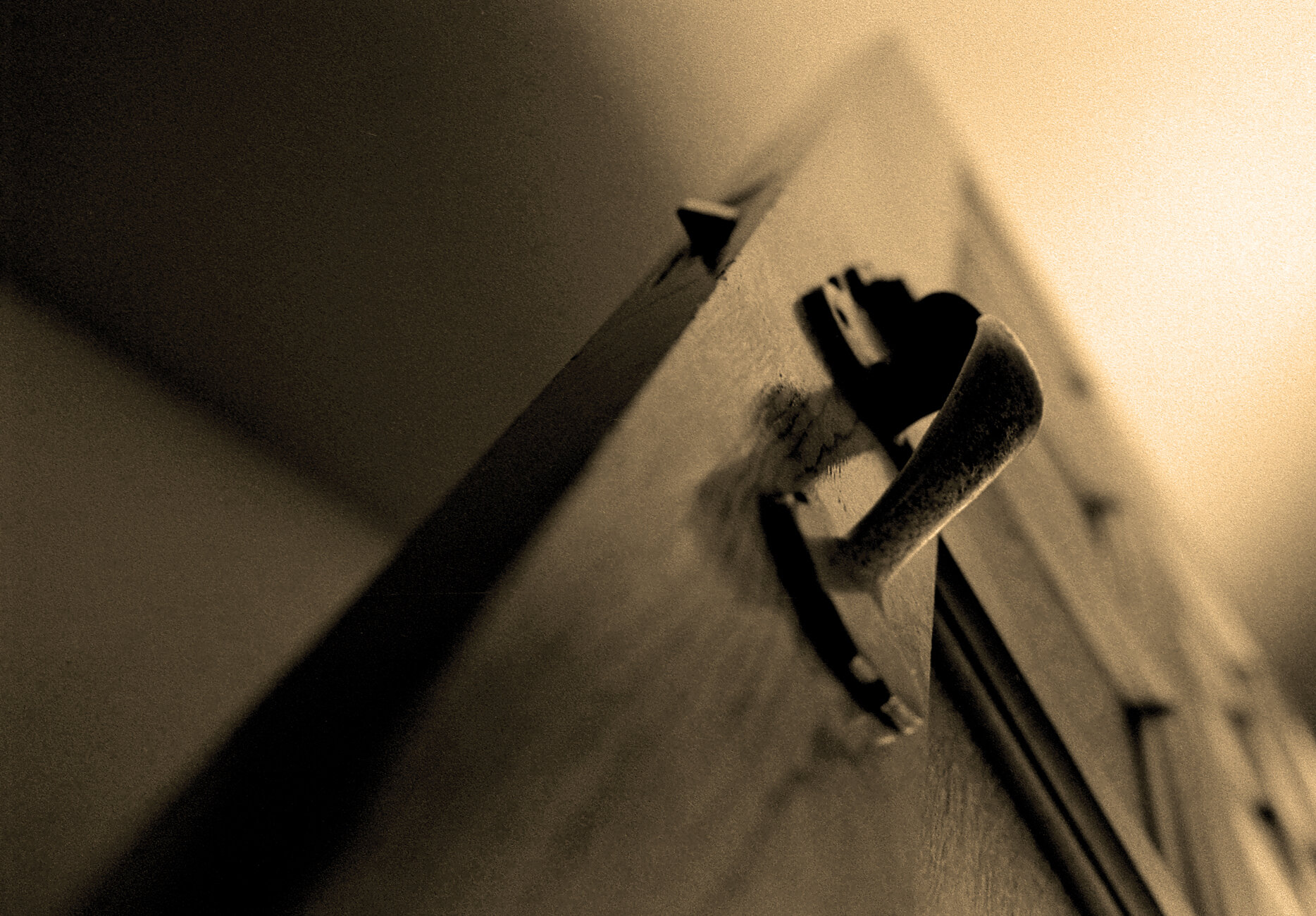
35mm Film image sepia toned in Photoshop
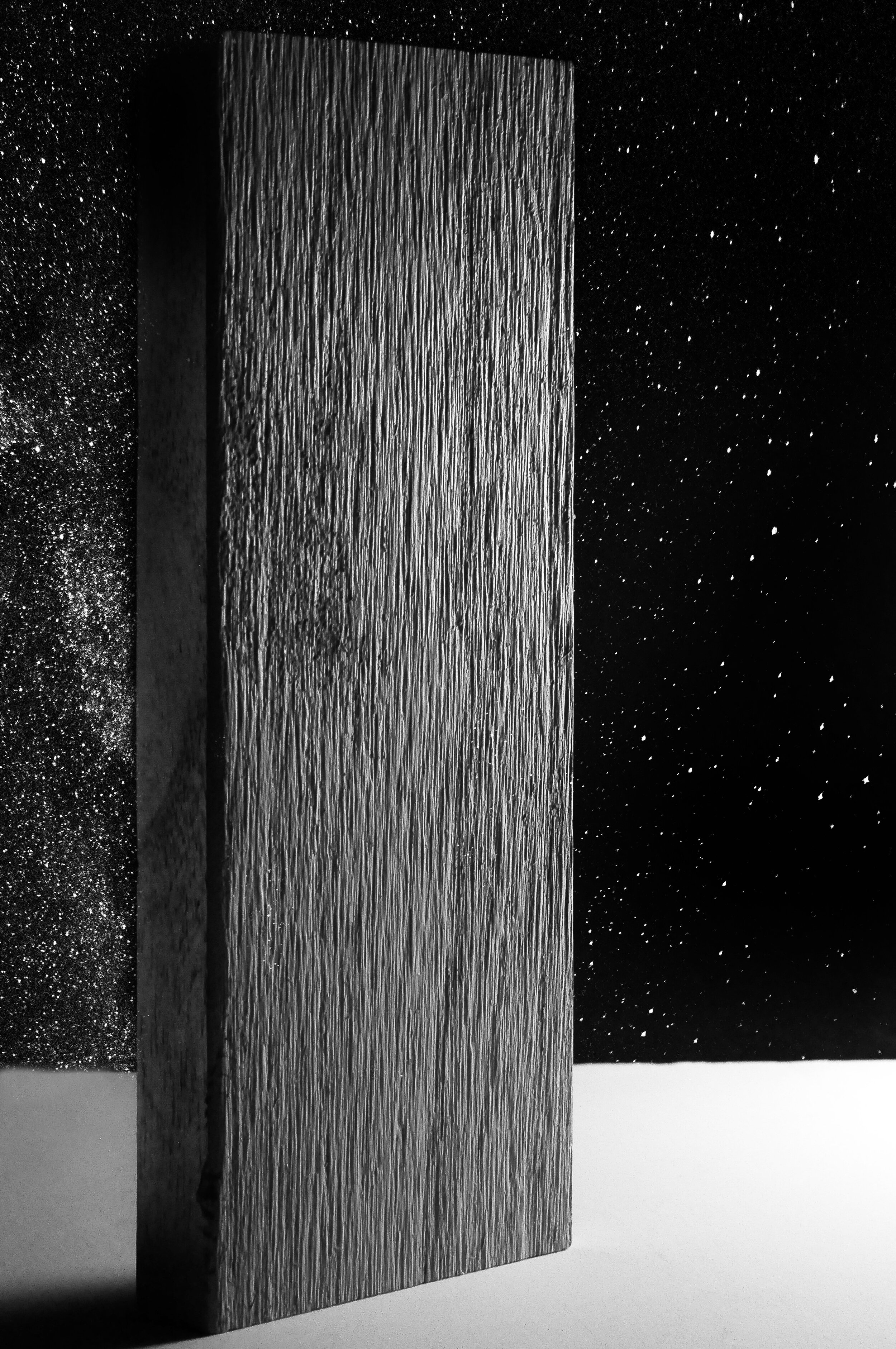
Board cross lighted: I added Milky Way Galaxy I shot in Northern Minnesota
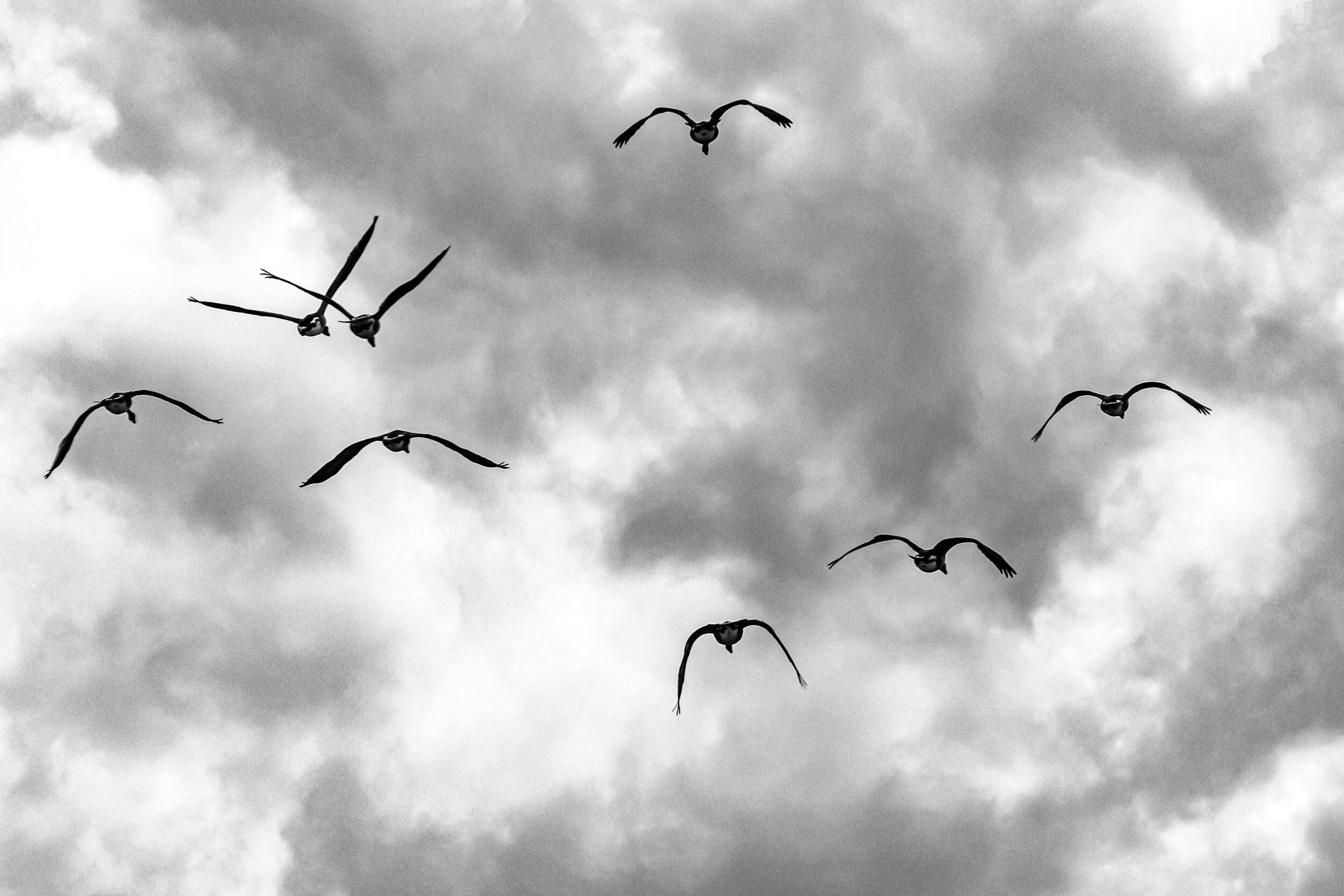
Converted to B&W, 300mm lens on APS sensor Nikon camera
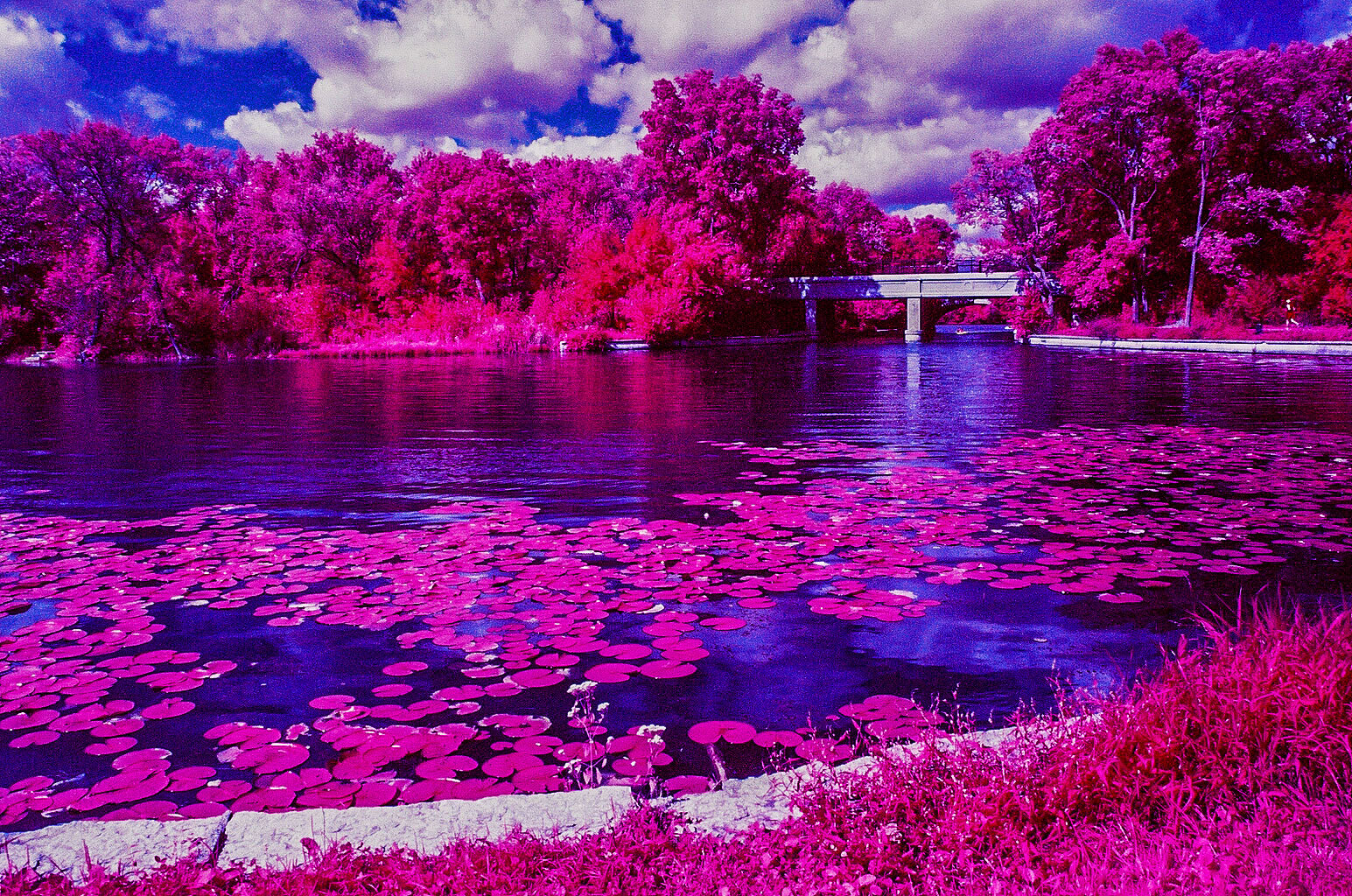
35mm Color Infrared Film (No longer available)
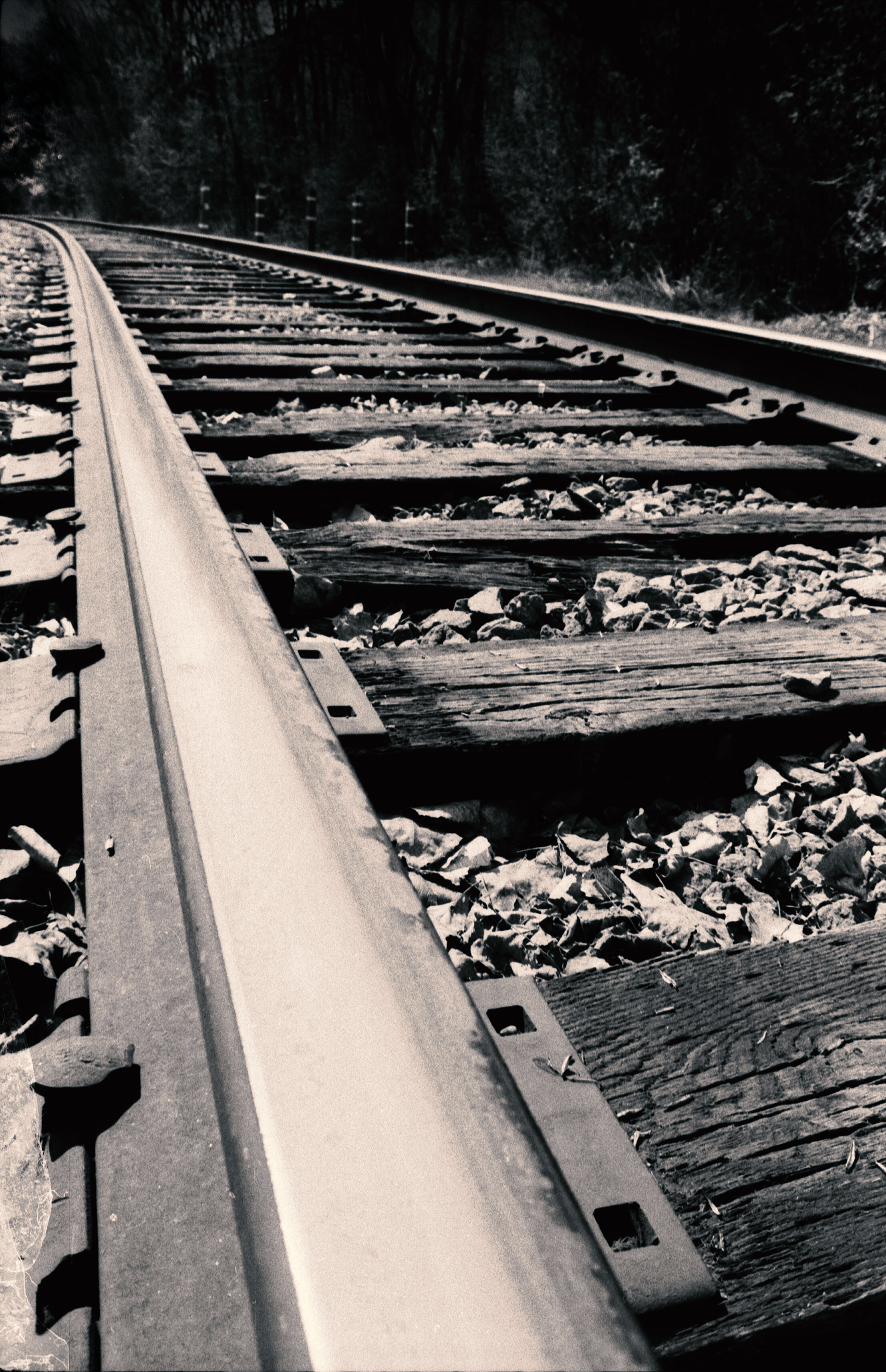
Film Image: 35mm negative, 28mm wide angle lens, slightly toned in Photoshop
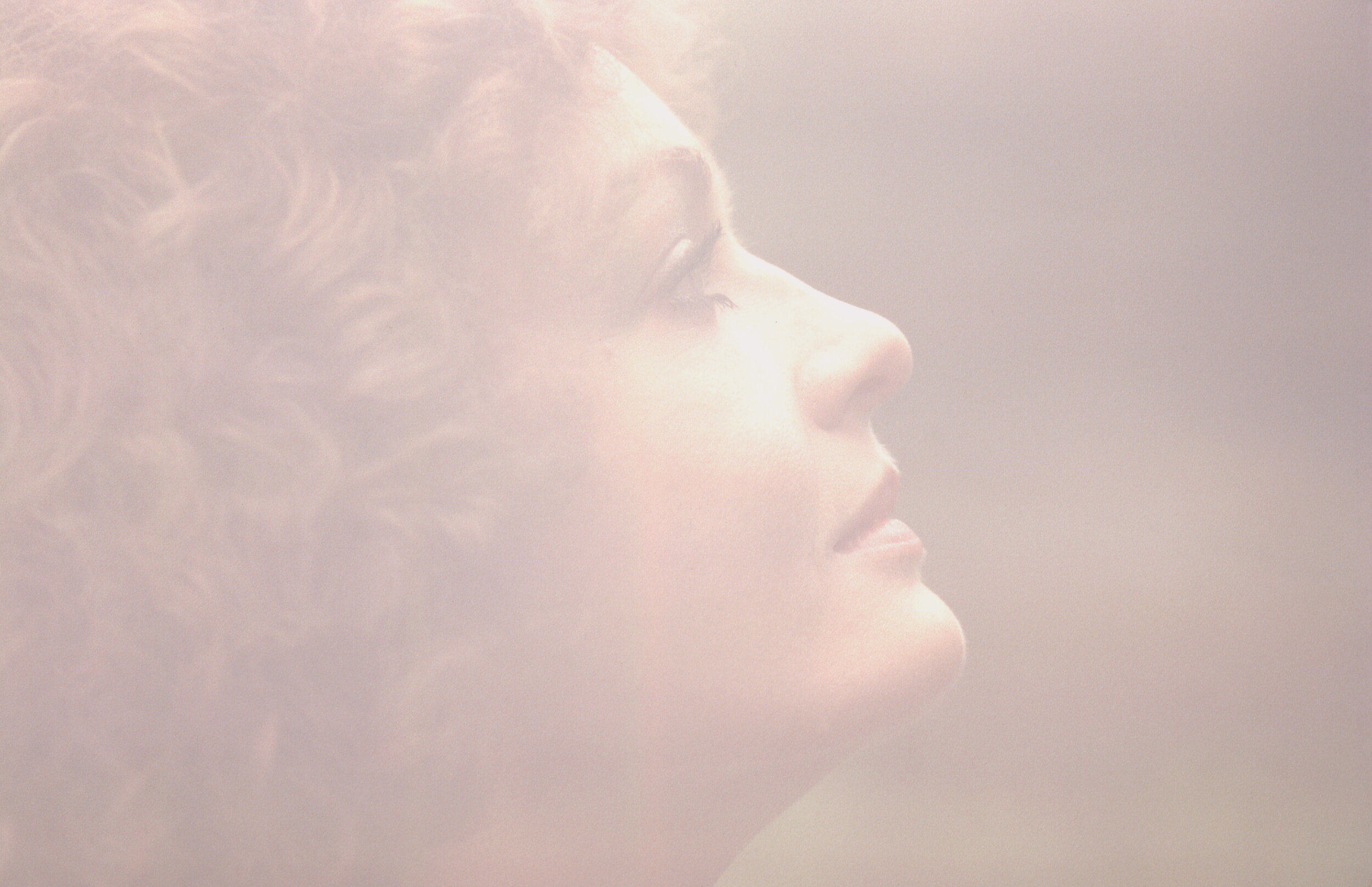
A 35mm SLR with a home-made matt box with translucent material with an f/8 hole cut in center over a 135mm lens, shot wide open at f/2.8 for the diffused look
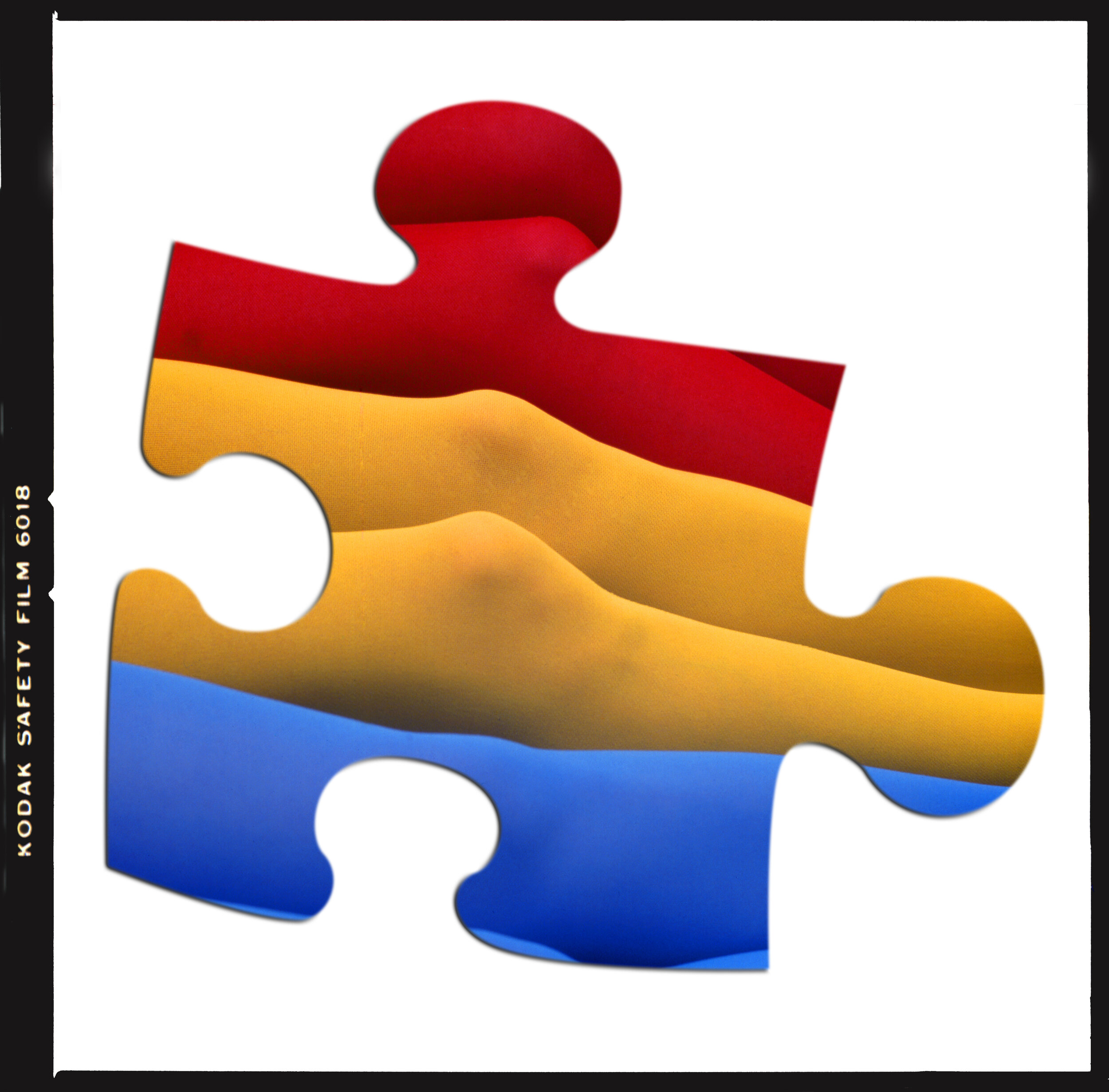
Photographed in Photography School with a Hasselblad with Ektachrome Film, later scanned in computer, a puzzle piece cut in Photoshop
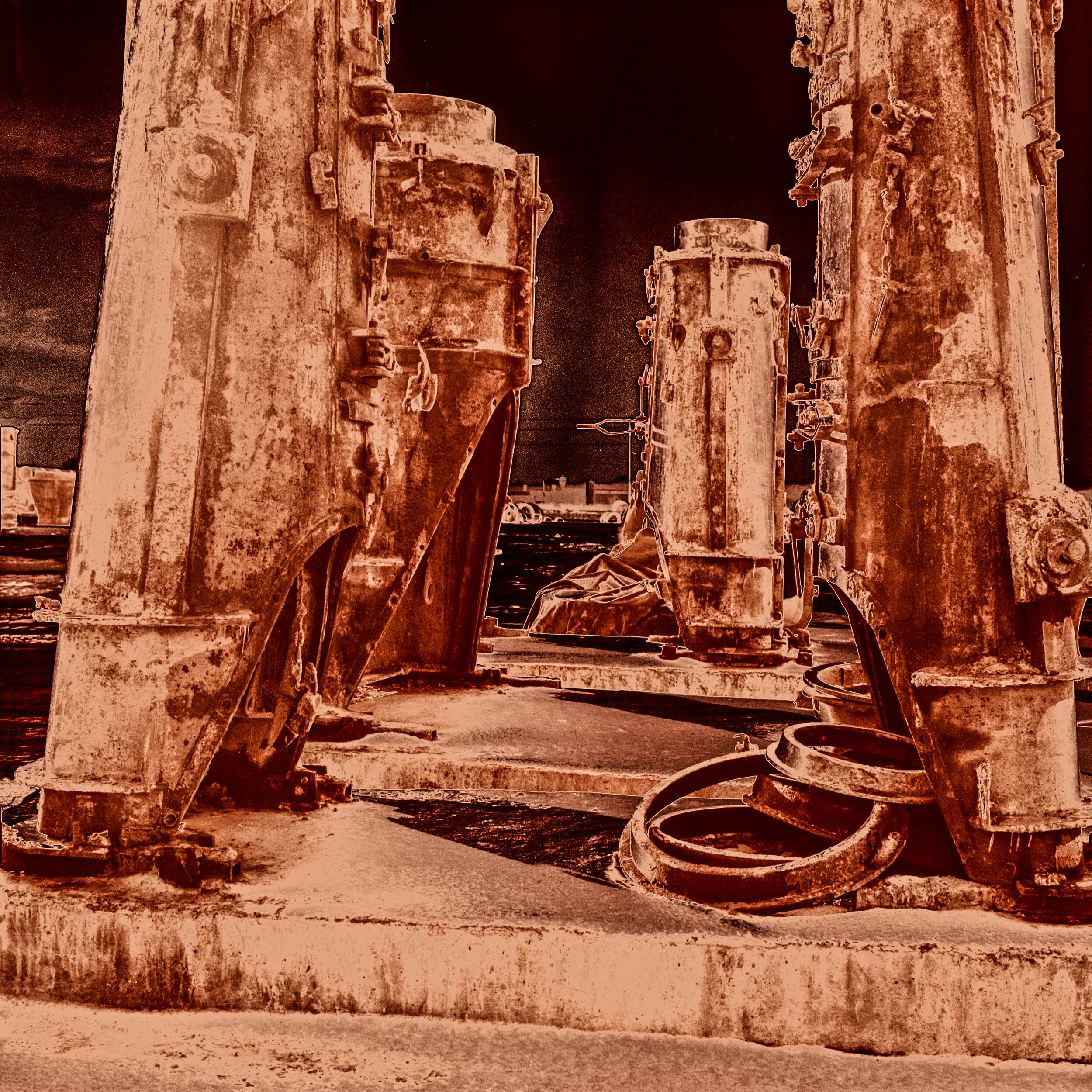
B&W 6x6cm negative solarized and toned in Photoshop
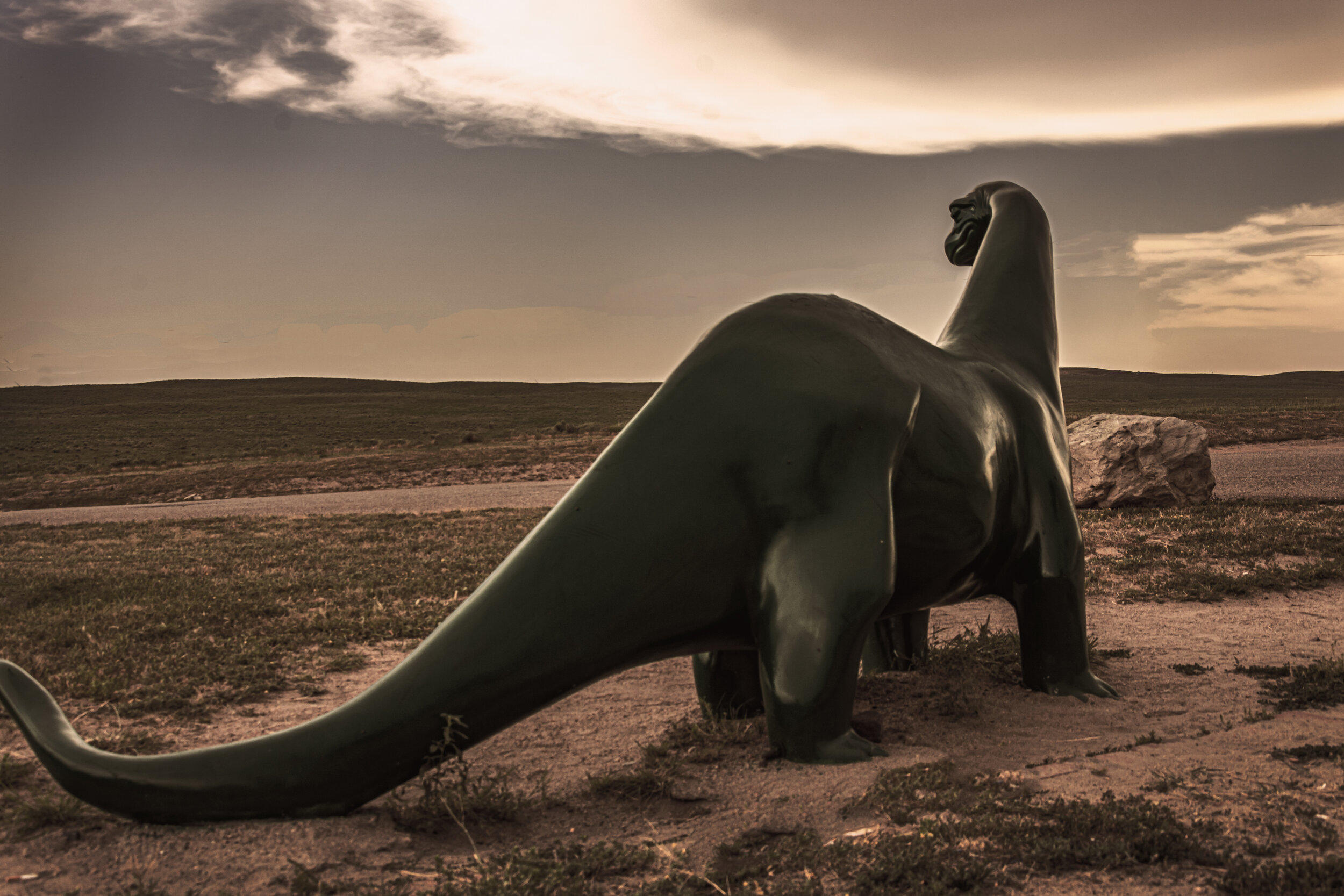
Sinclair dinosaur, color grading with Photoshop Lookup to give a realistic effect, eliminated fence in background
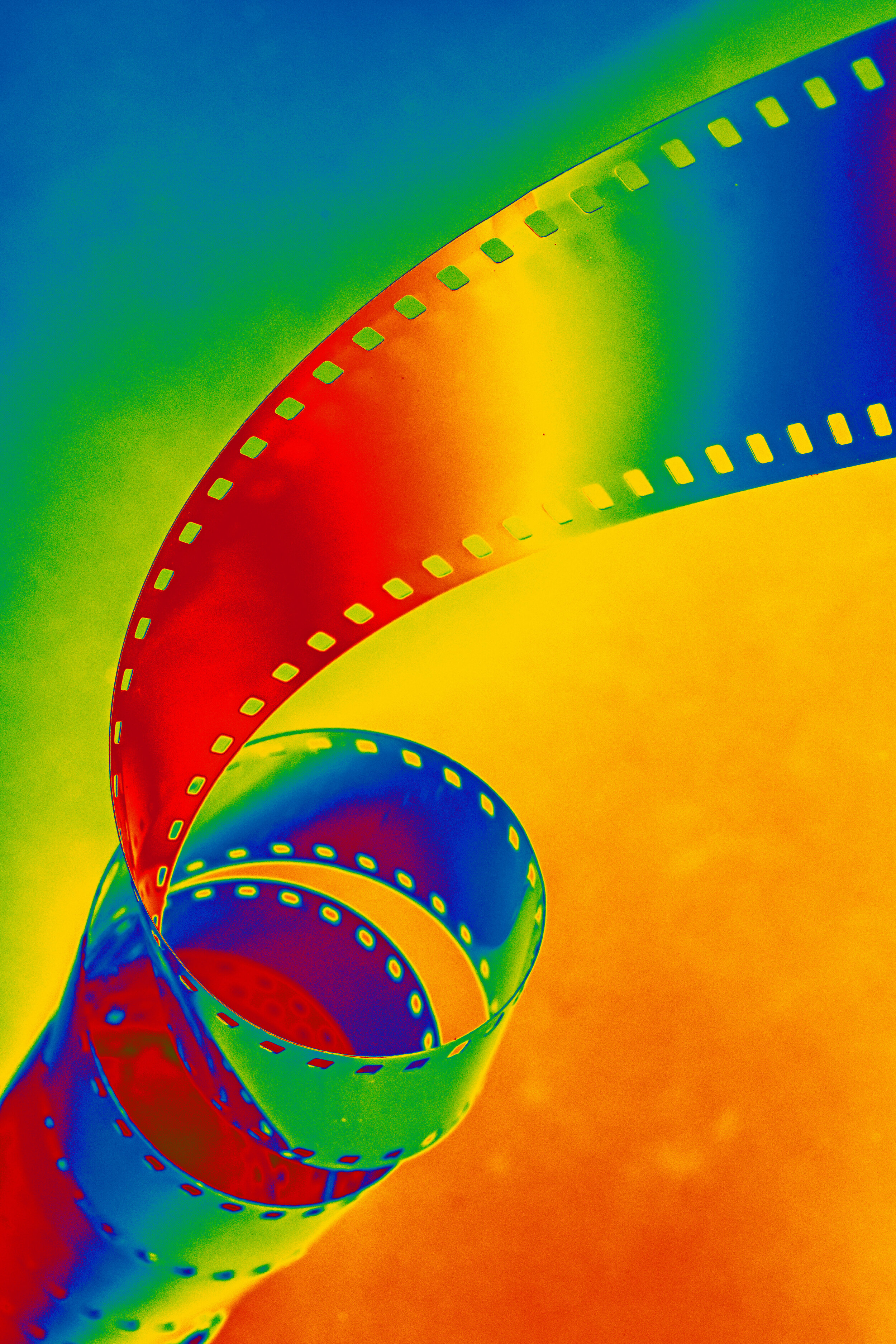
Coiled 35mm film, used gradient map in Photoshop for colors
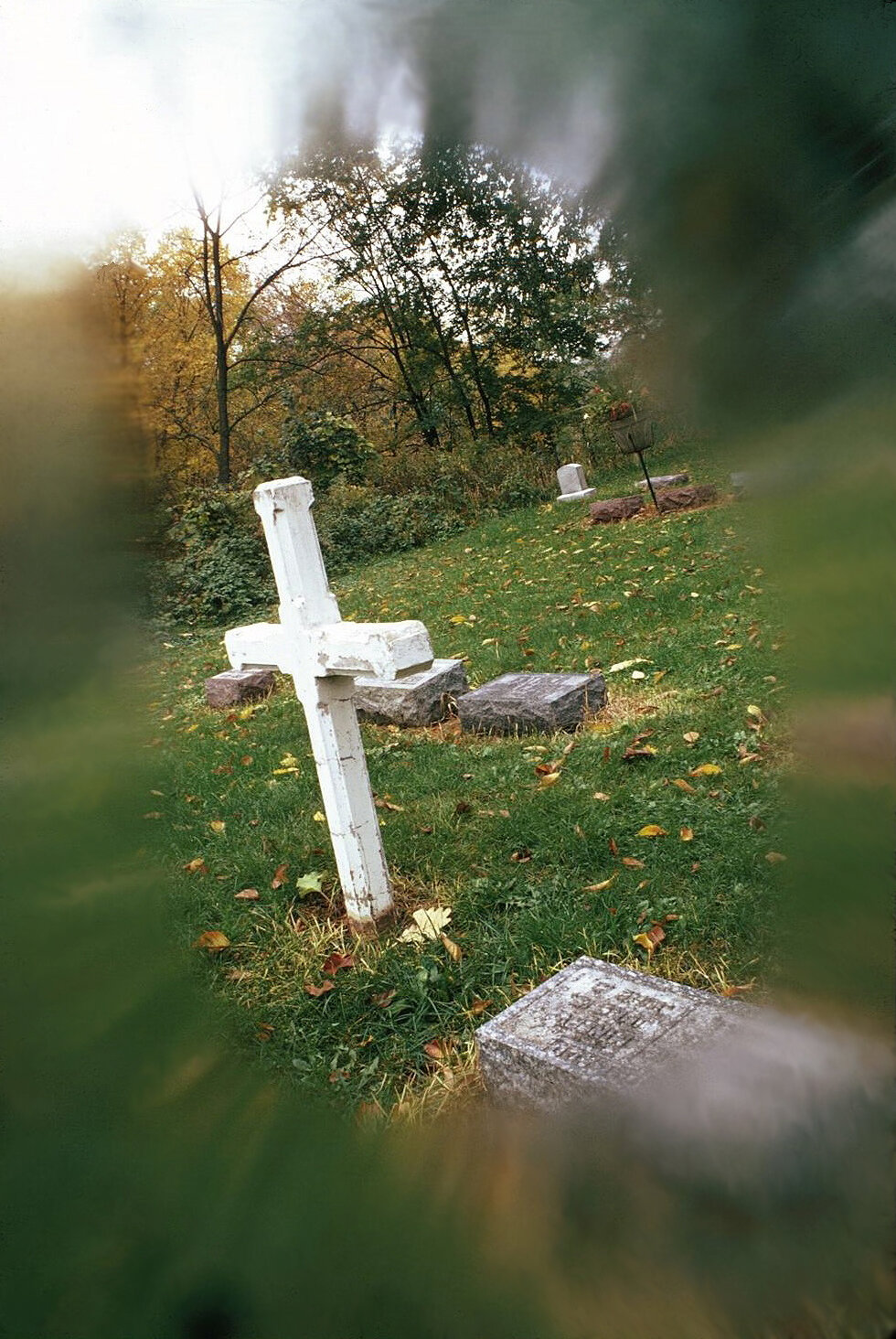
35mm Kodachrome film image: 28mm wide angle lens with Vaseline smeared on edge of UV filter, Camera was tilted slightly to make the horizon look like a hill
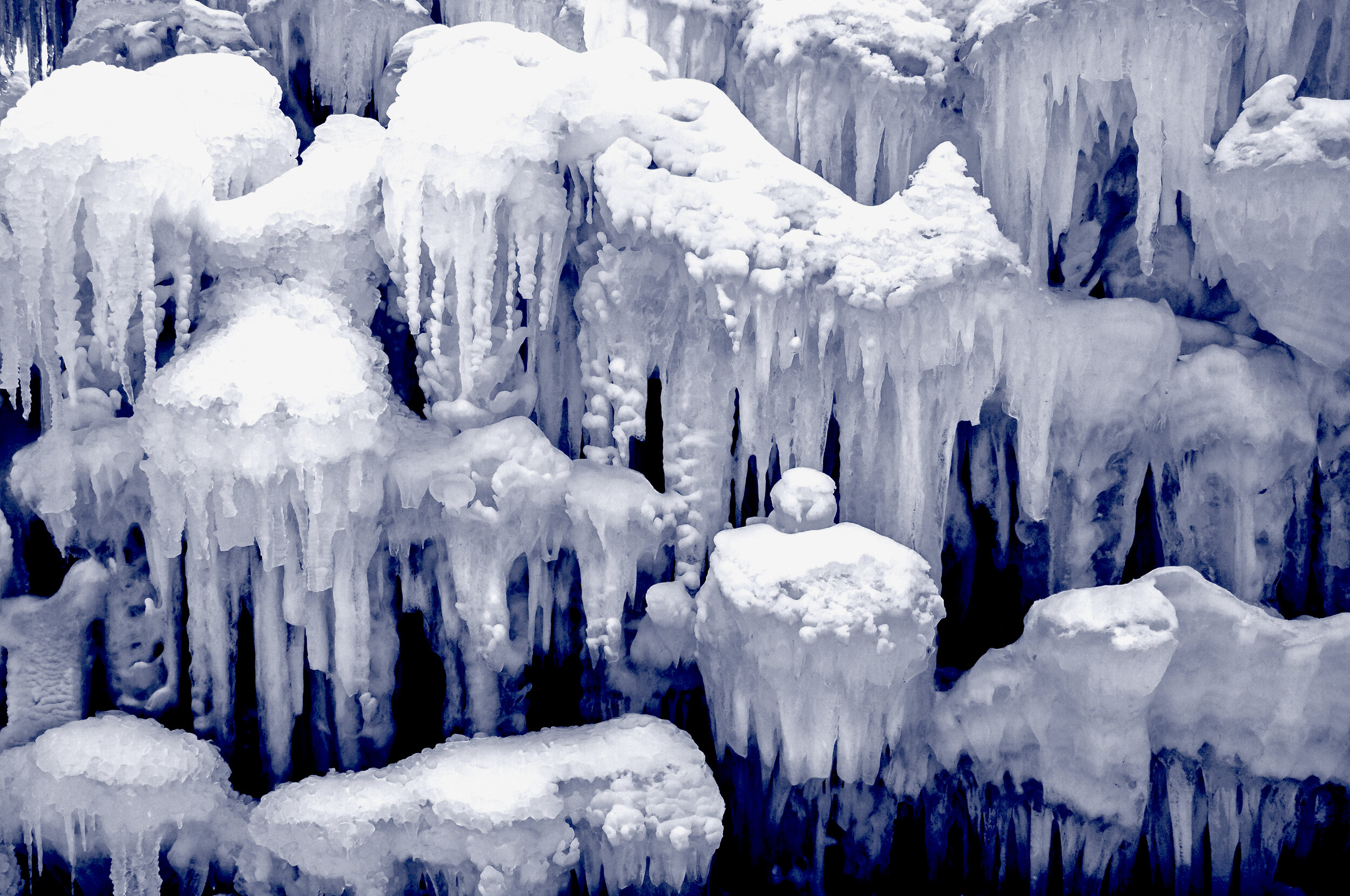
converted to B&W, used a blue gradient map filter in Photoshop to give a cold impression of the snow

Hangman's Noose: It looks more dramatic in black-and-white. This was photographed outside and not in a studio.
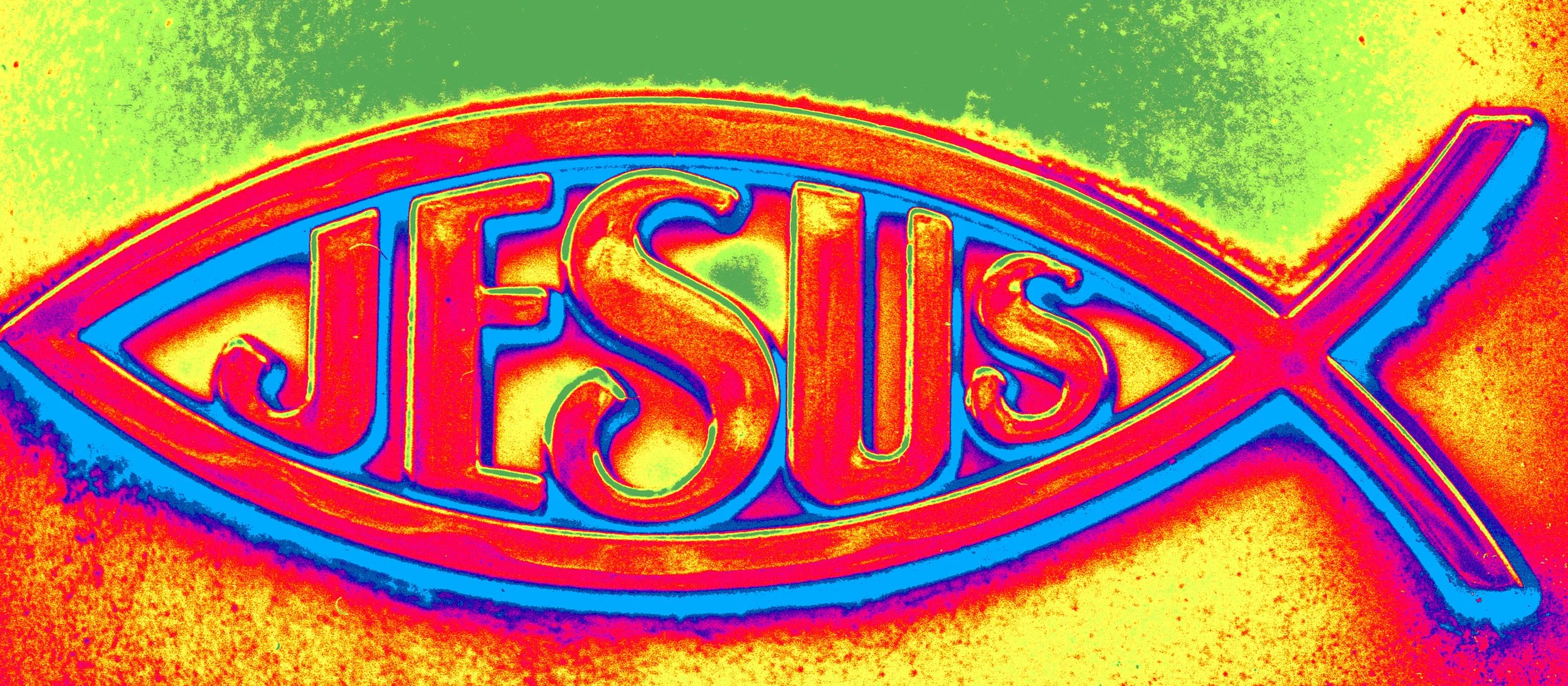
I photographed this JESUS fish symbol on my car with film, scanned it into Photoshop and added color gradients.
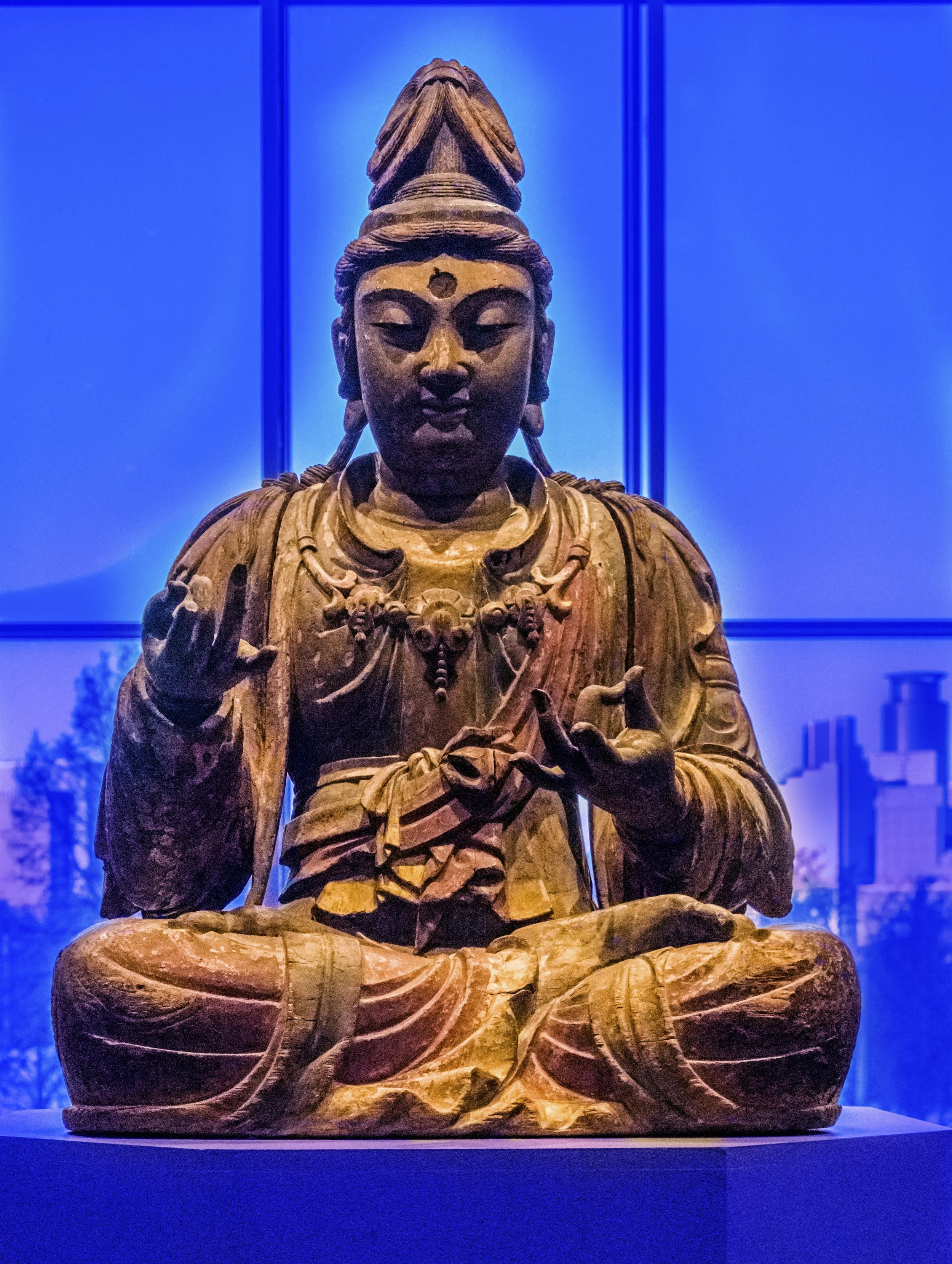
I photographed this Buddha statue in the Minneapolis Art Institute. In Photoshop I added some color layers to make it more mysterious.
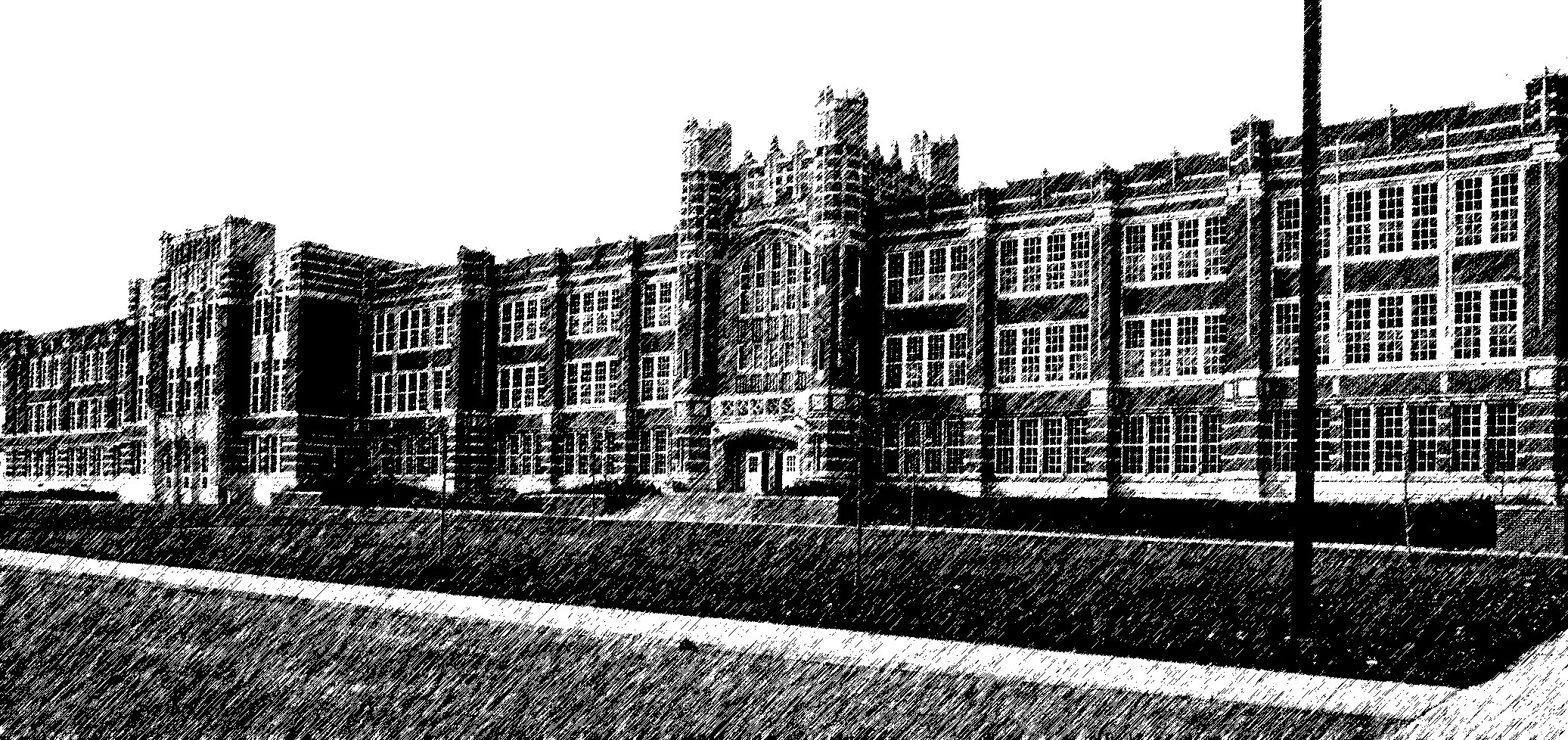
I went back to Austin, Minnesota and photographed my old high school. I used color film but converted it to black-and-white in Photoshop and created this strange texture.
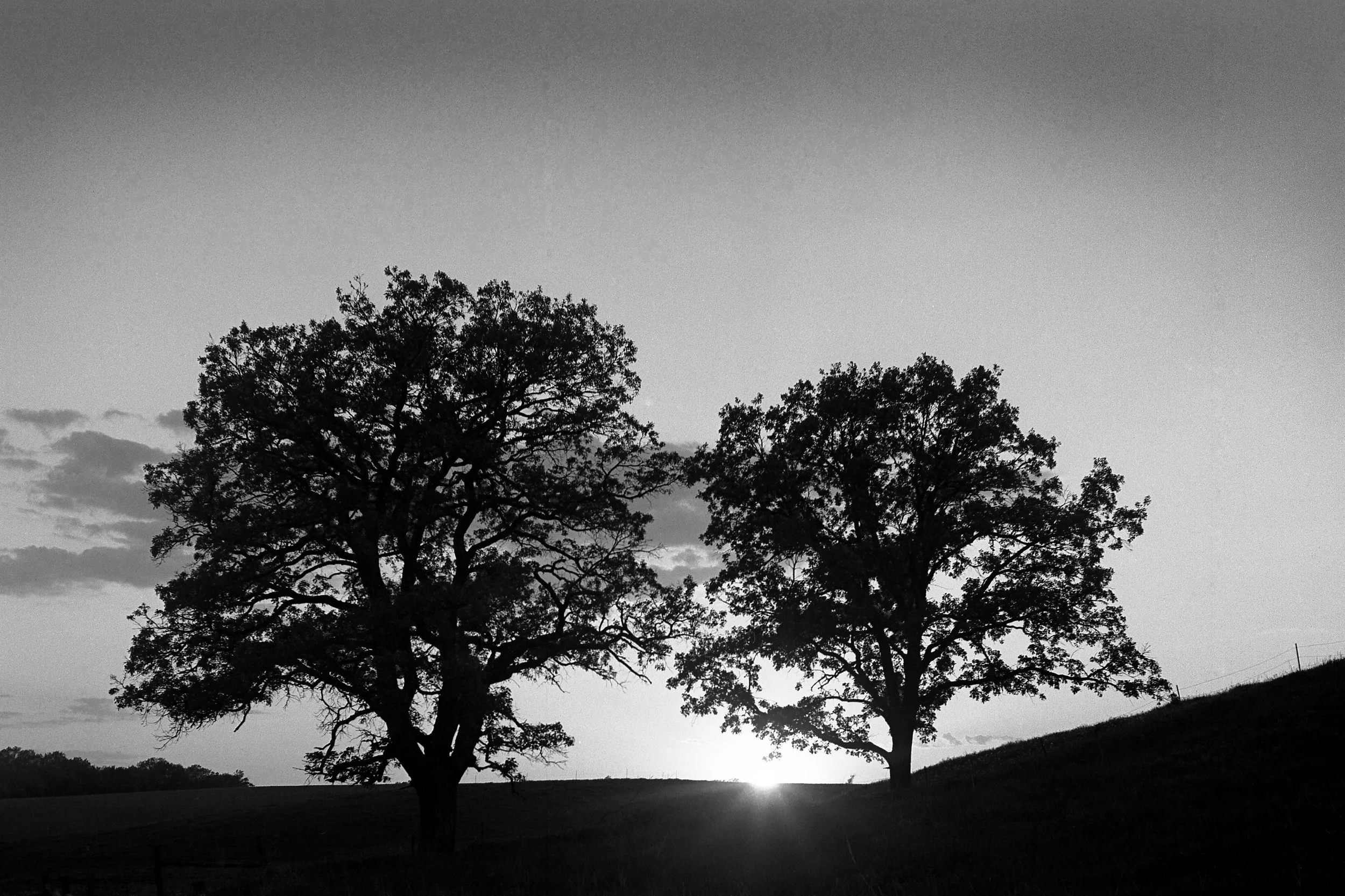
I photographed this silhouette with film in the evening when the sun was going down. A simple photo, but I like it.
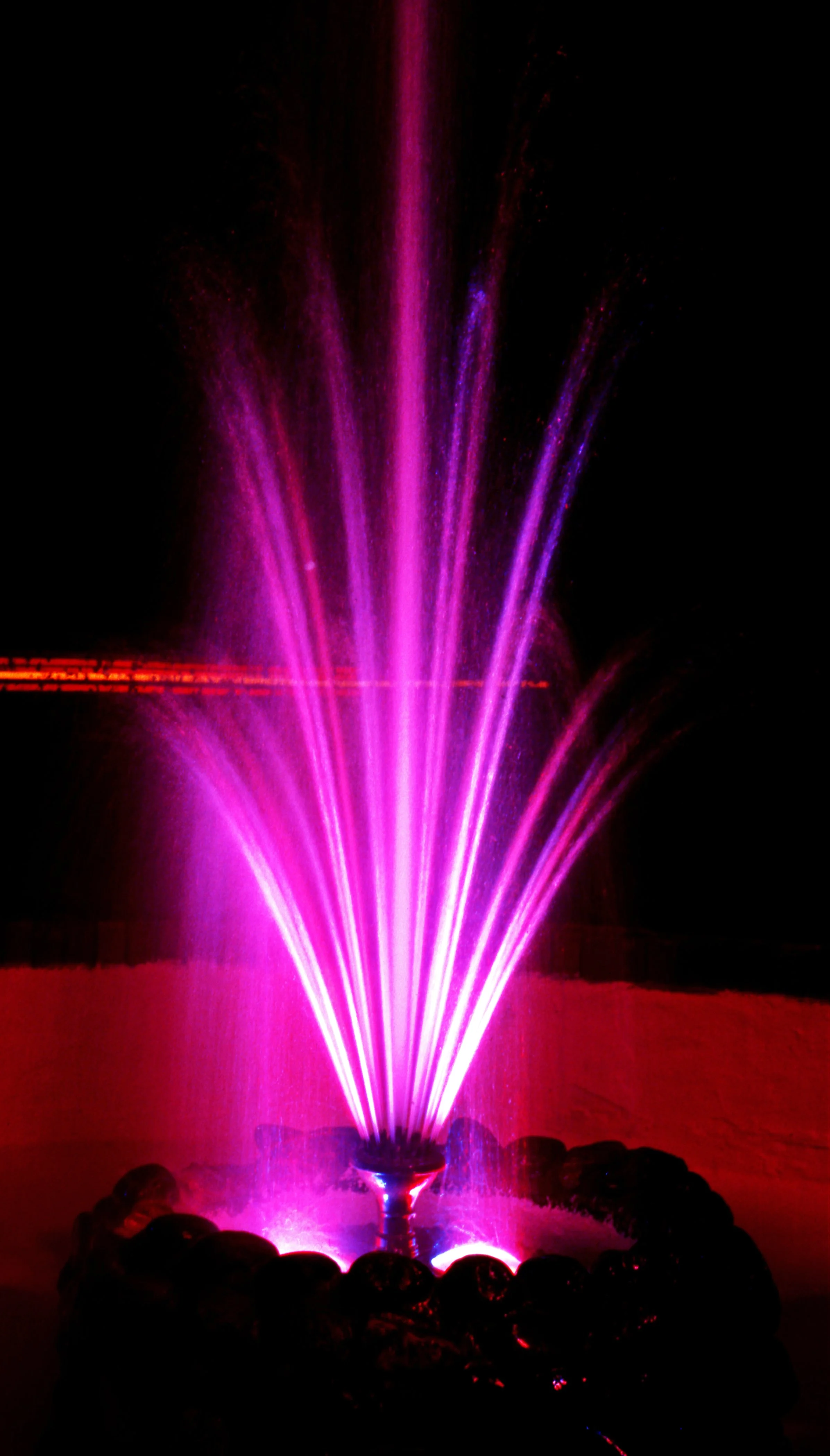
I used to photograph for the hospitality trade. The owner of this motel wanted me to do some slow exposures of his water fountain. I photographed it with Kodak Ektachrome.
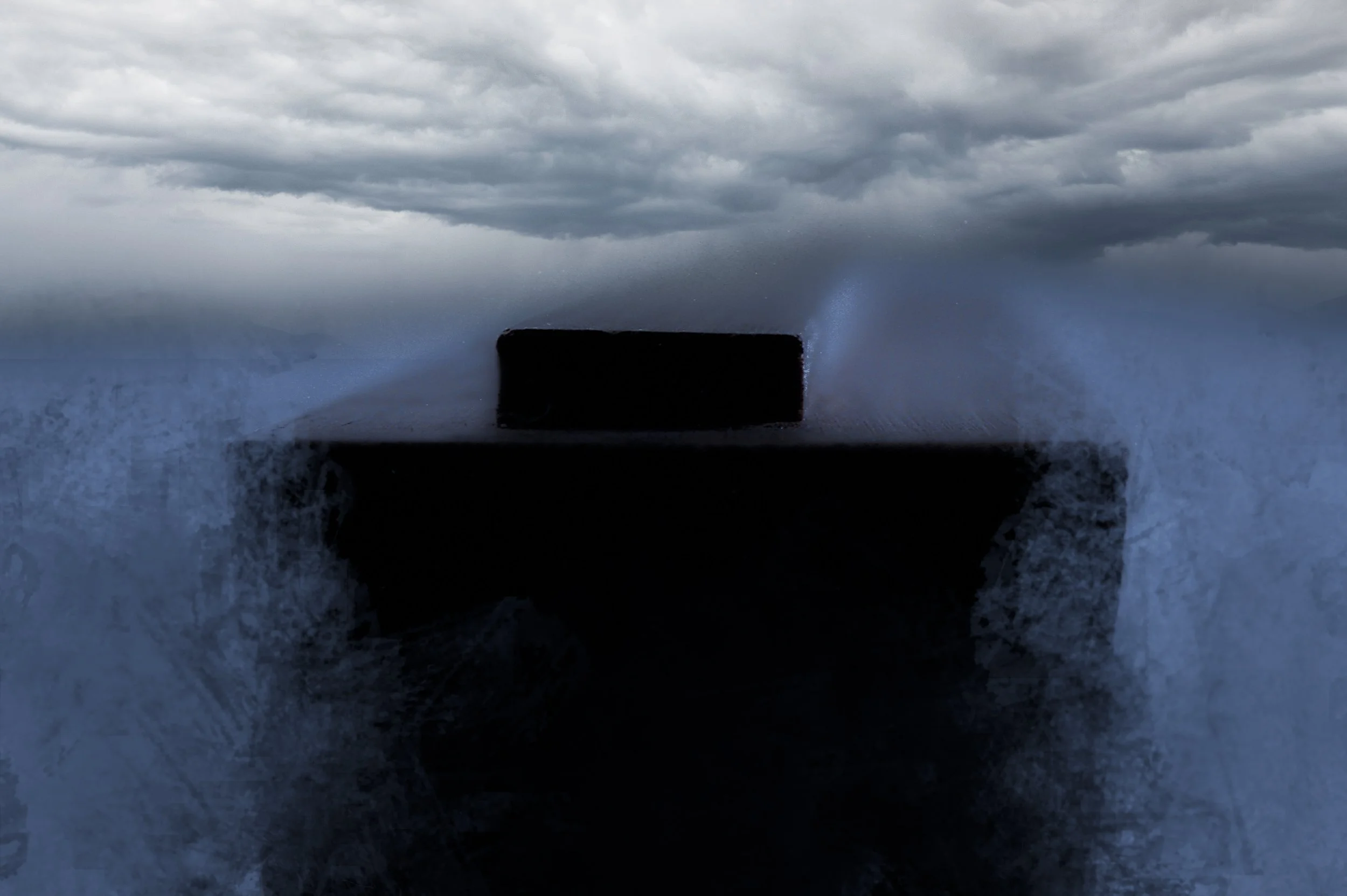
I bought a small replica of Noah’s Ark made to 1:600 scale. I photographed the ark with color film within a white bookshelf. Scanned it into Photoshop, added a Photoshop AI sky and used a strange, shaped brush in Photoshop to give me believable waves of water. I also added a gloomy looking “Color Lookup” file from Photoshop, lowered the contrast, and desaturated the color. I used this photo on my Christian blog to illustrate an article about Noah’s Ark.
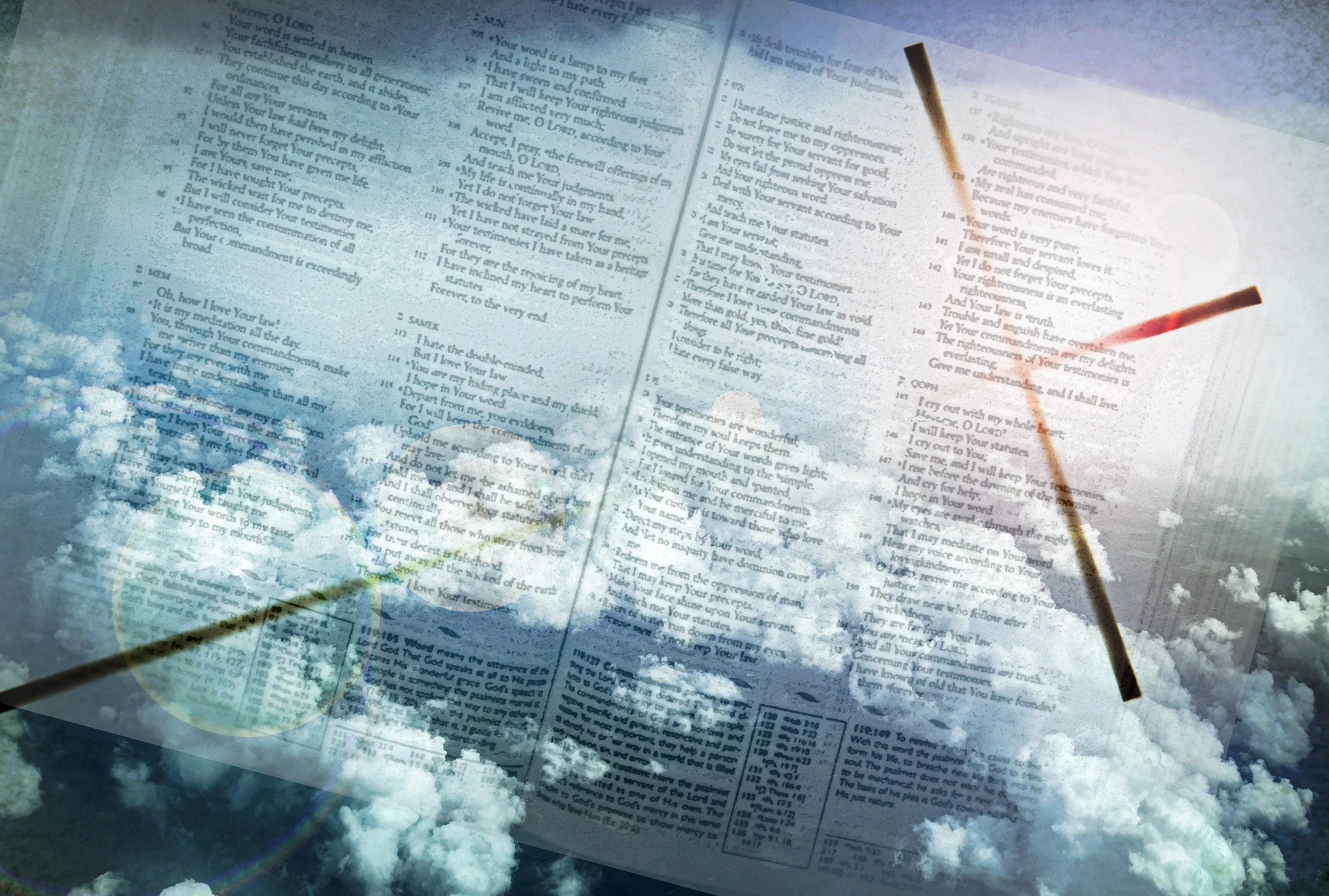
Here is a combination of three different images I put together in Photoshop. The bottom image was from a film image I shot many years ago of an open Bible. Another image is of a cross. The last image I photographed above the clouds in an airplane. I put these three images together, moved them around how I wanted them and I added the blue color and blended them all together. I made this image for my Christian blog on an article about the Bible being a supernatural book.
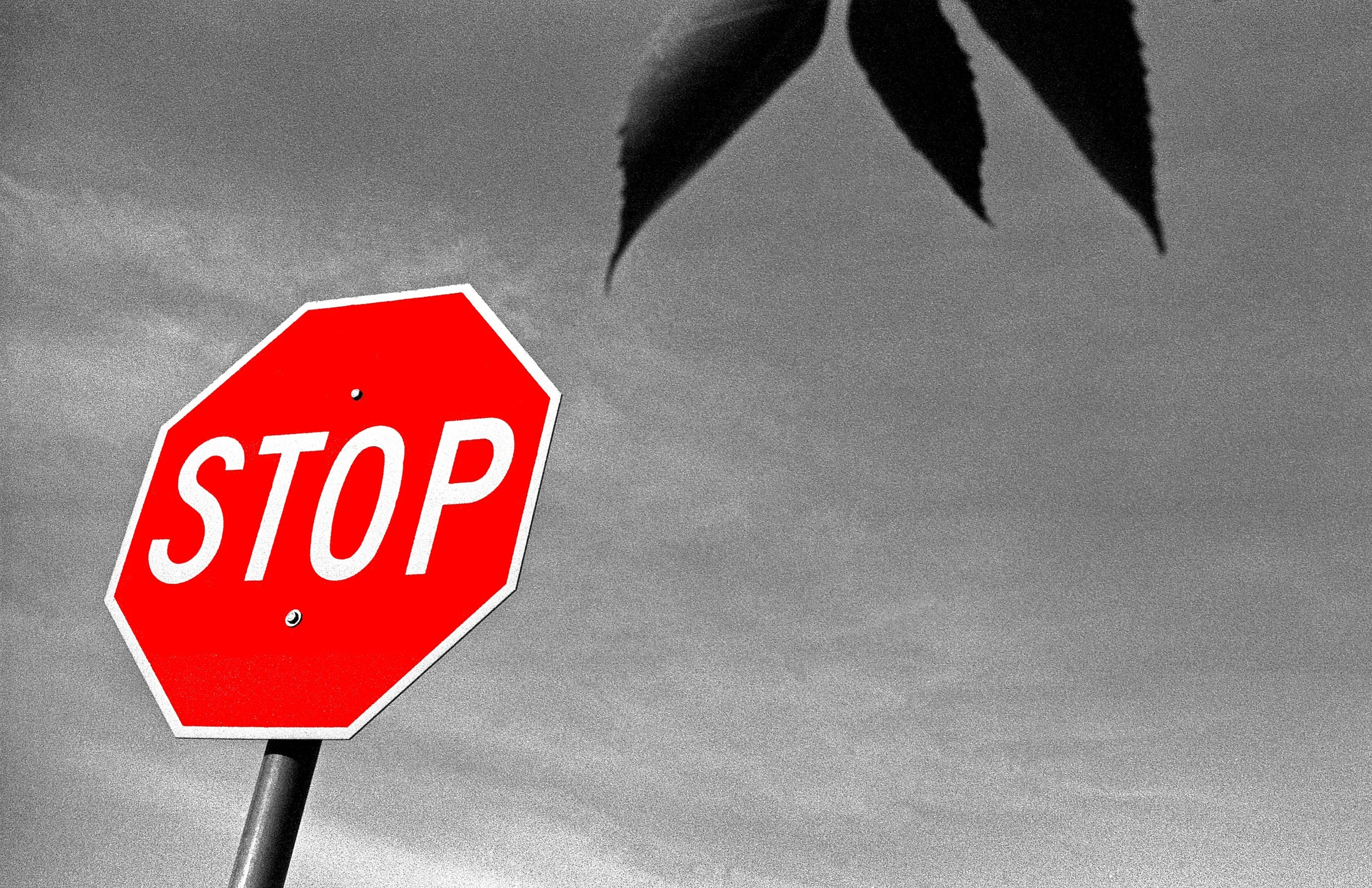
I was out walking around with a wide-angle lens with black-and-white film, I photographed this image and scanned it into Photoshop I decided to add a splash of red color on the stop sign.